Explainer video maker
One sentence, a text or your voice: ClipOnIt writes the script, splits it into scenes, animates them, then adds the voice-over and captions. You get a vertical MP4 ready to post.
Free: 3 videos a month with a watermark · 24 visual styles, plus your own
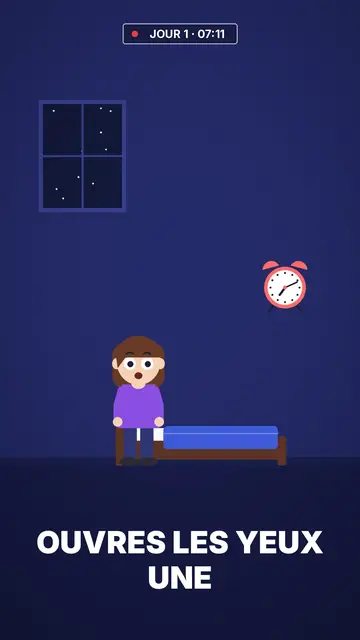
What the maker does
An explainer video usually takes a script, a storyboard, illustrations, animation and a voice. ClipOnIt chains those steps for you. AI writes the narration from your topic, cuts it into short scenes and picks animated elements for each one from a library of about 11,000 drawings and 3D objects. Each element comes in on the word it illustrates.
The render comes out in 1080×1920, the TikTok, Reels and Shorts format, in a few minutes. On paid plans you fix things by talking to the AI Director (“shorter”, “a chart here”): it shows each change, you accept or reject it, and everything can be undone.
How to do it in 3 steps
- Write your topic
One sentence is enough, for example “why the sky is blue”. You can also paste your own text.
- Pick a style
24 visual styles, plus your own. The style sets the drawing, colours, pace and captions.
- Review and export
Go through the scenes, change what is off, then start the render: the MP4 arrives in a few minutes.
What people use it for
- Explaining an ideaA phenomenon, a discovery or an order of magnitude told in under a minute.
- Presenting an offerWhat your product or service does, in a few scenes, for a sales page or a social feed.
- Training a teamA procedure or a safety rule people actually watch to the end.
- Running a TikTok accountOne video a day on your theme, with no filming and no editing software.
- Summing up an articlePaste your text: the video takes its main ideas, scene by scene.
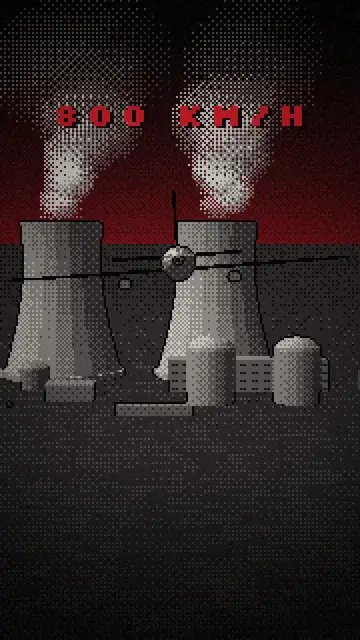
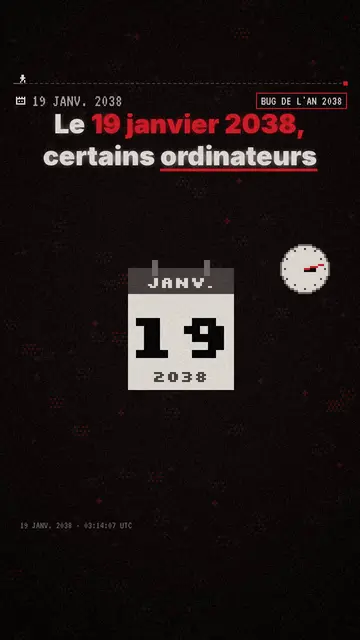
Häufig gestellte Fragen
Format, voice, pricing: the short answers.
Wie lange dauert ein Video?
The render takes a few minutes. The script and scenes are ready before that, so you can review and edit them before the final render.
Do I need drawing or editing skills?
No. Elements come from the chosen style's library and sync to the narration on their own. You can still move, hide or lock an element by hand.
What format does ClipOnIt output?
A vertical 1080×1920 (9:16) MP4 with voice-over and burned-in captions. ClipOnIt renders neither 16:9 nor talking avatars.
Can I use my own voice?
Yes, on paid plans: record your narration on the mic or import an audio file, AI transcribes it and syncs the elements to your words. Otherwise a synthetic voice reads the text, chosen from 11 voices.
Ist es kostenlos?
Yes, to start: the free plan gives 3 videos a month with a ClipOnIt watermark, in 8 styles (Pixel News, Press paper, Comedy cartoon, Class sketch, Night tale, Social screen, Retro synthwave, Flat vector), no credit card. Starter ($29/month): 15 watermark-free videos, all 24 styles plus your own, your own voice and the AI Director. Pro $49: 30 videos. Business $149: 100 videos and 3 seats.
Other ways to make a video
- Animated explainer video
- Text to video animation
- Whiteboard video maker
- AI motion design
- Audio to animated video
- Educational video maker
- SaaS product video
- Faceless video maker
- Script to video
- TikTok explainer video
- Infographic video maker
- News video maker
- Animated story video
- Explainer videos for business
- All tools
Your video, in this style
Write one sentence: the style is already picked when you reach the editor.