Tech tutorial video maker — Terracotta studio style
Make a tech tutorial video with UI cards floating in light 3D on cream: numbered labels, rolling counters, terracotta plates and italic serif captions.
Enthalten ab Starter, mit allen 27 Stilen plus deinen eigenen · Vorschau gerendert von der ClipOnIt-Engine
So sieht dieser Stil aus
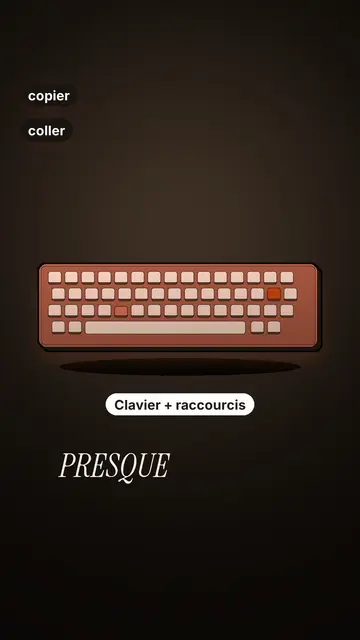
Terracotta studio explains a tool as if on a tidy workbench. On a cream background, interface cards float in light 3D, with real perspective and a warm shadow: an app window, a list of steps, an editing timeline, a sound wave drawing itself, a pad of keys lighting up one by one. At the top, a numbered label (“01”, the tool's name, “free”) says where you are and stays put while that tool is discussed. Each card enters on the word that names it.
The promise lands on a solid terracotta plate: an asterisk, an extra-bold grotesque title and an underlined italic serif word. The key number rolls in a giant counter above a floor of small cards in perspective. Small labels pop around the cards on the strong words, and captions run word by word in uppercase italic serif, the key word in terracotta. The end shows a numbered card and a button that lights up and then gets clicked.
Passende Themen
Avoid: stories carried by characters, places or emotions: the style shows interfaces, lists and numbers, not scenes from life. Also avoid topics without steps or a concrete tool; a card should always show something you can do.
- Tool tutorialsEach tool gets its numbered label and its cards: viewers follow the order without getting lost, even in 30 seconds.
- Tech tipsA shortcut, a hidden setting, a command: the lit keys and the window show the exact move.
- How things workA search, a sound, an edit: the card filling up shows the mechanism step by step.
- Free tools and app round-ups“3 free tools”, “5 apps to install”: the plate announces the number, the end card sums up the list.
Videoideen in diesem Stil
- 3 keyboard shortcuts that save time
The lit keys, the closed-tabs window, the clipboard history and the card to keep.
- 5 free sites to find sounds
One label per site, the wave drawing itself, the counter of royalty-free sounds and the final list.
- How AI finds an image in one second
The typed search, the scrolling film strip, the image at the exact frame and the accuracy score.
- Editing a video on your phone
The timeline where clips stack up, the sound meter and the “Export” button clicked at the end.
In 1 Klick verfügbar
- Link dieses Stils öffnen
Der Button „Video in diesem Stil erstellen“ öffnet den Editor mit diesem bereits ausgewählten Stil. Ohne Konto dauert die Anmeldung eine Minute und braucht keine Karte.
- Schreibe dein Thema in einem Satz
Eine Idee reicht. Du kannst auch deinen Text einfügen oder ab Starter ins Mikrofon sprechen: Das Video baut dann auf deiner Stimme auf.
- Prüfen, dann rendern
Die KI schreibt die Szenen, wählt die Elemente des Stils aus und taktet sie passend zu den Worten, mit Stimme und Untertiteln. Du korrigierst, was nicht stimmt, dann ist das vertikale MP4 in wenigen Minuten da.
Was du anpassen kannst
For each scene you pick one to three cards out of twelve (window, list, timeline, wave, pads, counter, meter, score, numbered frames, search, film strip or a library element), the numbered label for that part, up to three small labels and the word where each one appears. A terracotta plate carries the promise, a number shot rolls the key figure, and the end card lists your tools with a button. Your own voice works too: everything locks onto the spoken words.
In diesem Stil gezeichnet
9 517 Elemente in seiner Bibliothek, durchsuchbar nach Bedeutung. Einige davon:
 Figuren
 Geräte
 Dokumente & Orte
 Daten
 Kulissen
 Oberflächen
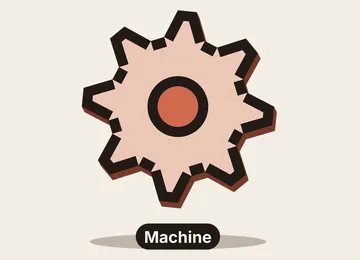 Wissenschaft
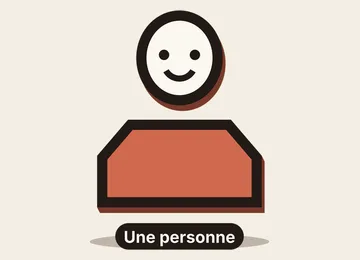 Aktionen
Häufig gestellte Fragen
Kostenlos oder nicht, Ausgabe, Nutzung: die kurzen Antworten.
Do I need screenshots of my tools?
No. The engine draws the interface cards from your text: titles, lines, keys, numbers. No screenshot or brand logo is used.
Kann ich meine eigene Stimme verwenden?
Yes. Record yourself or import your audio: every card, every key and every caption word locks onto what you say.
How is it different from Clean interface?
Clean interface tells a story in OS-style windows with a clicking cursor. Terracotta studio is built for tutorials: cards in light 3D, a numbered label per tool, terracotta plates and counters.
Ist dieser Stil im kostenlosen Tarif enthalten?
Nein, es ist im Starter enthalten ($29/Monat): 15 Videos ohne Wasserzeichen pro Monat, alle 27 Stile plus deine eigenen. Der kostenlose Plan bietet 3 Videos pro Monat mit Wasserzeichen in 8 anderen Stilen: Pixel News, Press paper, Comedy cartoon, Class sketch, Night tale, Social screen, Retro synthwave und Flat vector.
Wenn dir dieser Stil gefällt
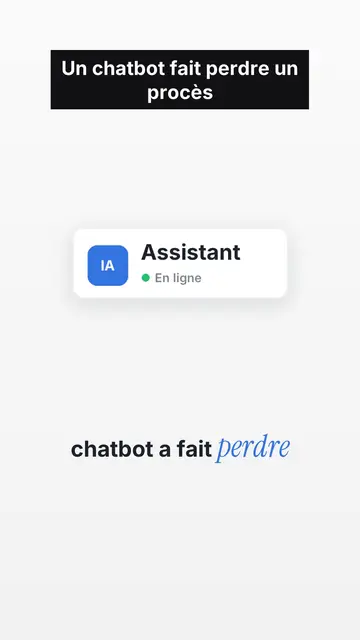
UI motion design explainer video
Clean interface style · The story played out in clean interface cards: windows, buttons, a cursor clicking on the word, key word in serif.
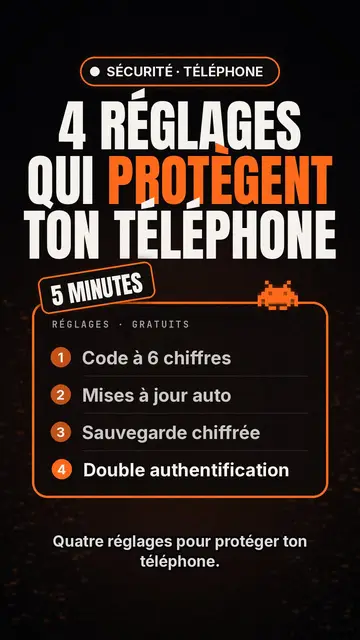
Tech-Top-Listen-Video-Ersteller
Tech-List-Stil · Tech-Karte auf Schwarz, leuchtendes Abzeichen, nummerierte Liste.
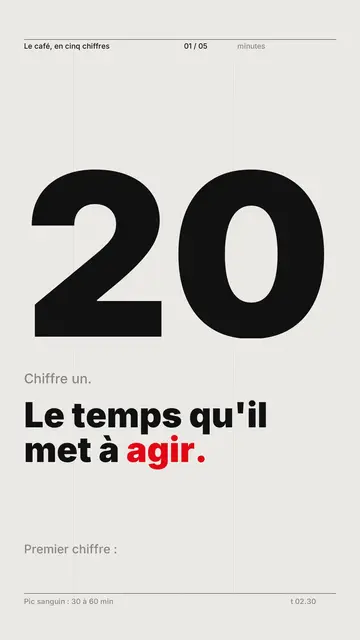
Videoersteller für kinetische Typografie
Swiss-Grid-Stil · Schweizer Typografie: helles Papier, strenges Raster, riesige Zahl, eine Signalfarbe.
Deine Idee in diesem Stil
Schreib einen Satz oder sprich ihn ein: Der Stil ist schon ausgewählt, wenn du im Editor ankommst.